
AI business assistant · Capabilities
Spreadsheet, calculation and report analysis for business
How an AI business assistant checks spreadsheets, performs calculations, finds patterns and prepares a clear management report.
Short answer
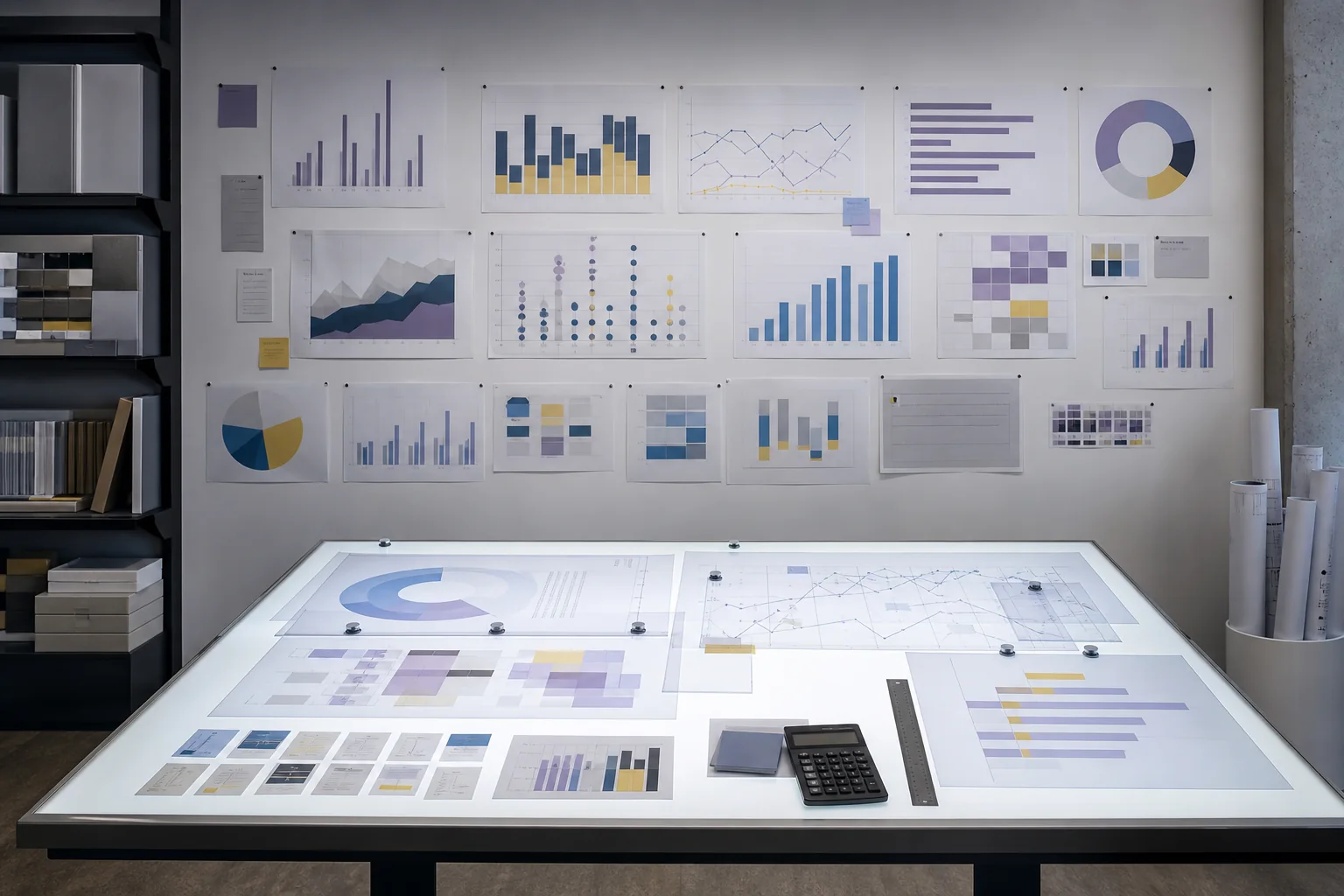
The assistant can interpret a spreadsheet's structure, verify calculations, compare periods and present conclusions clearly. It can prepare a new spreadsheet, chart or concise report, but should never invent missing figures.
01
Business analysis tasks the assistant can support
The work can range from a simple recalculation to comparing information from several files.
- Check totals, percentages, periods and units of measurement.
- Find missing values, duplicates and unusual figures.
- Compare planned and actual performance.
- Prepare a table, chart or plain-language explanation for the team.
02
From source data to a clear conclusion
First define the meaning of columns and periods, then perform the calculations, and only then form the conclusion. This order reduces the risk of a polished but incorrect report.
03
What the owner still needs to verify
The assistant cannot know the meaning of internal indicators without context. Accurate work requires metric definitions, currency, period and rules for empty values.
What to prepare for a practical test
Use real examples, screenshots without sensitive information and the current limits of the capability.
- An anonymised spreadsheet with a typical data structure.
- Definitions of the indicators and the expected management conclusion.
- An example of a report the team already uses.
Primary search topic
AI spreadsheet and report analysis